Blog / Business
Real Estate QR Codes: Signs, Flyers and Window Cards
6 min read · 26 November 2026
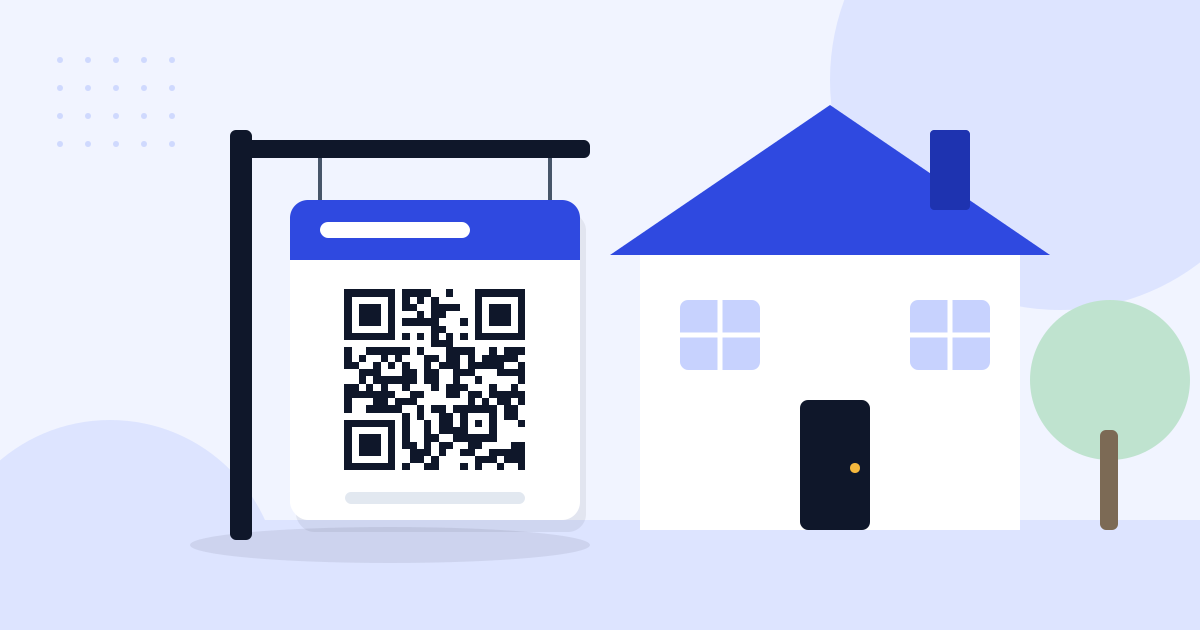
A real estate QR code lets someone standing outside a property scan your sign, flyer or window card and open the listing, a virtual tour or a PDF brochure on the spot. The best setup uses a dynamic code, so one printed sign can point to whichever property it is standing in front of this month.
Buyers often walk or drive past a property outside office hours. A QR code turns that moment of curiosity into a visit to your listing, instead of a number they forget to call.
What a real estate QR code can open
A QR code is only as useful as the page behind it. Decide first what you want a passer-by to see.
The listing page
The most common choice. Link straight to the property on your website or listing portal, with photos, price, floor plan and a contact form. Use a URL QR code for this.
A virtual tour or video
If you have a 3D tour or a walk-through video, it is often the most engaging thing to show someone who can’t go inside yet. Link to the tour page or video directly, not to a home page they have to search through.
A PDF brochure
A brochure with the floor plan, room sizes, key features and energy details works well on window cards and flyers. Upload it with the PDF QR code generator (files up to 20 MB), and the code opens the document on the phone. Our guide to turning a PDF into a QR code covers file size and layout tips.
The agent’s contact card
A vCard QR code saves your name, phone, email and agency to the scanner’s contacts with one tap. It is a good fit for business cards, open-house sign-in sheets and the bottom corner of a flyer. See QR codes on business cards for more.
Why dynamic codes suit real estate
Properties sell, prices change and brochures get updated. A static code is fixed forever, so if the listing page is removed, the code on your sign leads nowhere.
A dynamic code stores a short link that forwards to your destination. That gives you several advantages:
- One sign, many listings. With Pro, you can change where the code points after printing. When a property sells, point the code on that sign to your next listing, and move the sign.
- Updated brochures. Replace an outdated PDF without reprinting flyers.
- Scan statistics. See how many people scanned the code and where they were (country and city are included on the free plan; devices come with Pro). That tells you which signs and flyers actually get attention.
On the free plan, people see a short sponsored page before reaching your listing, and editing after printing isn’t included. Pro removes the sponsored page, lets you edit destinations and adds full statistics. Details are on the pricing page, and how to change a QR code link after printing explains the process.
How to create a QR code for a property
- Pick the destination: listing page, tour, PDF brochure or contact card.
- Open the matching generator, for example URL or PDF.
- Choose a dynamic code if the destination might change or you want to count scans.
- Add your agency colour or logo if you like, keeping the code dark on a light background.
- Download SVG for the printer, or high-resolution PNG for digital use.
- Test it with an iPhone and an Android phone, from the distance people will actually scan it.
Creating codes is free and doesn’t need an account. You only need an account to manage your codes and see their statistics later.
Where to place QR codes
For-sale and to-let signs
Signs are the highest-traffic spot, but they are read from the pavement or a car. Place the code at a height people can reach with their phone, ideally on a rider or panel near the bottom of the sign rather than at the top of a tall post.
Window cards
Agency windows and property windows are read from a step or two away. One code per card, placed in a consistent corner, makes a window easy to browse.
Flyers and brochures
Flyers go into letterboxes and get picked up at open houses. Put the code near the price or key photo, with a clear label. More layout advice is in QR codes on flyers and posters.
Open houses
A small stand by the entrance with a brochure code and a contact code lets visitors take everything with them, and saves you printing piles of paper.
Size for signs read from a distance
Scanning distance is the main thing that decides size. A rough rule is that the code should be at least one tenth of the scanning distance wide.
| Where | Typical distance | Minimum code width |
|---|---|---|
| Business card, flyer | 20–30 cm | 2–3 cm |
| Window card | about 1 m | 10 cm |
| Sign on a post or fence | 2–3 m | 20–30 cm |
Treat these as starting points, then test. Glare from glass, bright sun and phones held at an angle all make scanning harder, so go larger when in doubt. For the full method, see what size a QR code should be.
A few more printing rules:
- Keep a quiet zone. Leave a clear margin around the code, roughly four modules wide.
- Use strong contrast. A dark code on a white or light panel scans best. See QR code colors and contrast.
- Use SVG for large signs. Vector files stay sharp at any size, so the edges don’t blur on a large print.
- Pick a matte finish if the sign will face direct sunlight, to reduce reflections.
Tell people what they get
A bare code invites hesitation. Add a short line next to it:
- “Scan for photos and floor plan”
- “Scan for the 3D tour”
- “Scan to save my contact”
Also print the agency name or website in text. People are more willing to scan when they can see who the code belongs to, and those who can’t scan still have a way to find you.
Keep your signs trustworthy
Signs sit outdoors, often for weeks. Check them from time to time and scan your own code, to make sure no one has stuck a different code over yours. Our guide to QR code safety explains what to look for.
FAQ
Can I reuse the same sign for a new property?
Yes, if the code is dynamic and you have Pro, which lets you change the destination after printing. Point it to the new listing and the printed sign keeps working.
Will my QR code stop working when the listing is sold?
The code itself never expires. But if it points to a listing page that gets removed, people will land on an error. With a dynamic code you can redirect it to your other listings instead.
Should I link to the listing or a PDF brochure?
A listing page is easier to keep current and usually has a contact form. A PDF brochure works well for flyers and window cards where you want a complete, printable overview. Many agents use both.
Does the code still work if I cancel Pro?
Yes. Codes keep working after you cancel; you lose the Pro features, such as editing the destination and skipping the sponsored page.
Create your property QR code
Start with the PDF QR code generator for brochures, or the URL generator for listing pages and tours. It is free, unlimited and takes a minute to make a code your next sign can carry.